
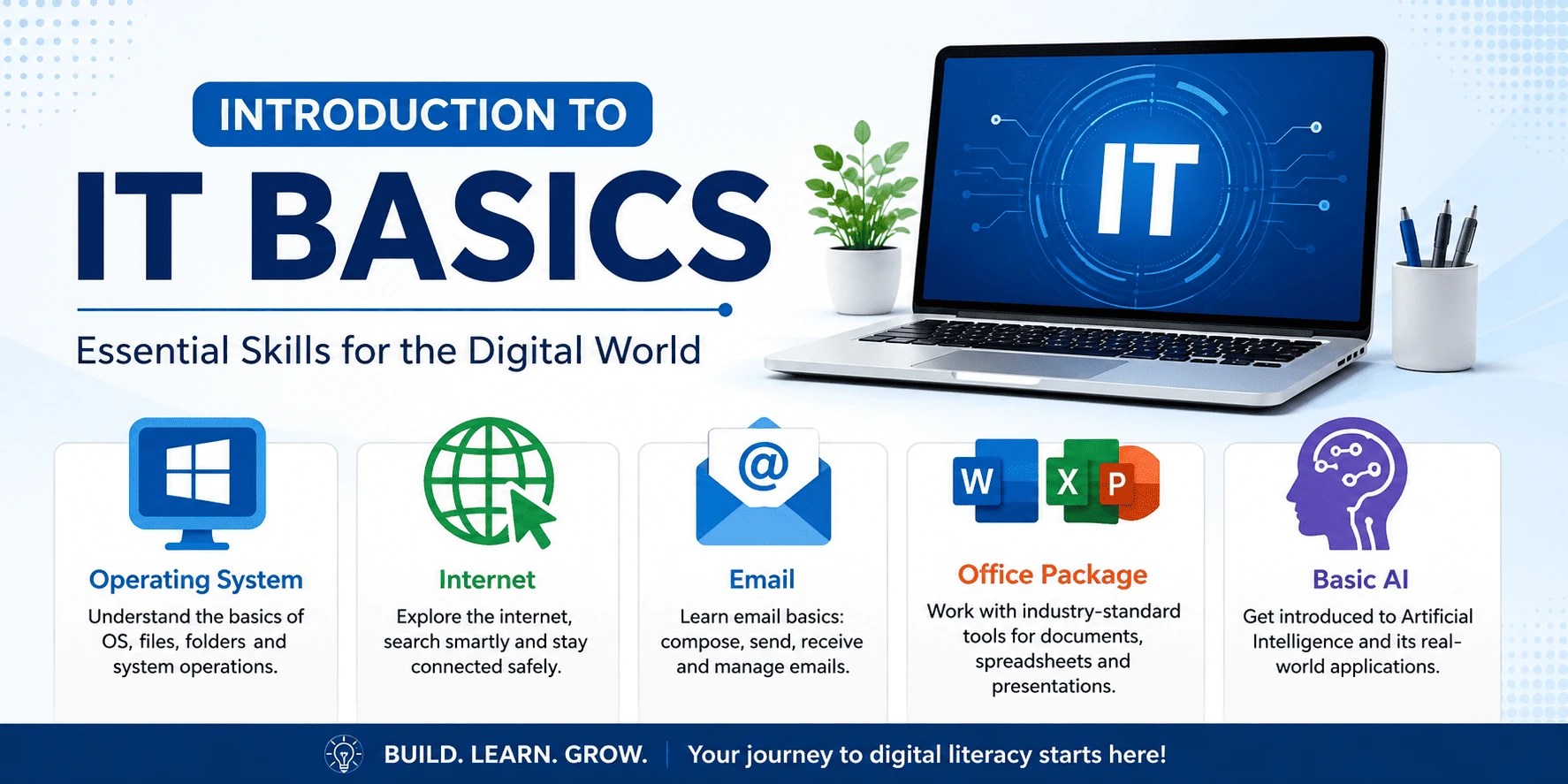
This course provides a strong foundation in Information Technology (IT) for beginners. Students will learn essential computer concepts, operating system functions, internet and email usage, Microsoft Office applications, and an introduction to Artificial Intelligence (AI). The program is designed to develop practical digital skills required for education, office work, and everyday technology use.
Week 1 — Introduction to IT
• What is Information Technology? — simple, everyday examples
• Where IT is used — picture and video-based exploration
• Careers in technology — fun intro through videos and stories
• Computer lab rules
• Project: identify and draw technologies used at home and school (guided worksheet)
Week 2 — Computer Basics
• Types of computers — matching game
• Input & output devices — labelling activity
• Hardware vs software — simple analogies
• Storage devices — show-and-tell
• Project: create a computer hardware chart (template-guided)
Week 3 — Operating Systems
• Windows basics: desktop, files & folders — guided tour
• Keyboard shortcuts — practice games
• Installing & uninstalling applications, with supervision
• Project: organize a sample folder structure using a given template
Week 4 — Internet Fundamentals
• What is the internet? Browsers & search — guided searches
• Safe internet usage & cyber safety, taught through stories and games
• Project: complete a guided research worksheet using teacher-provided trusted websites
Week 5 — Email Communication
• Creating an email account with teacher/parent support
• Writing simple, friendly emails
• Introduction to cloud storage
• Project: send a simple, correctly formatted email to the teacher
Week 6 — Microsoft Word
• Basic formatting, inserting images, simple layouts
• Project: create a one-page school assignment
Week 7 — Microsoft Excel
• Cells, simple formulas, explored through guided activities
• Project: build a simple weekly allowance tracker
Week 8 — Microsoft PowerPoint
• Simple presentations, images, basic animations
• Project: "My Favourite Things" presentation
Week 9 — Understanding AI
• What is AI? Everyday AI explained through simple examples and stories
• AI ethics introduced through age-appropriate scenarios
Week 10 — Using AI Tools
• Guided use of AI chat tools for simple homework help
Week 11 — AI Productivity
• Simple, fun AI tasks: image generation, brainstorming games
Week 12 — Final Project
• Students combine Word, Excel, PowerPoint, and simple AI tools into one guided digital portfolio
• Computer confidence
• Digital literacy
• Internet safety
• Professional email communication
• Microsoft Office skills
• Responsible AI usage
• Digital project presentation