
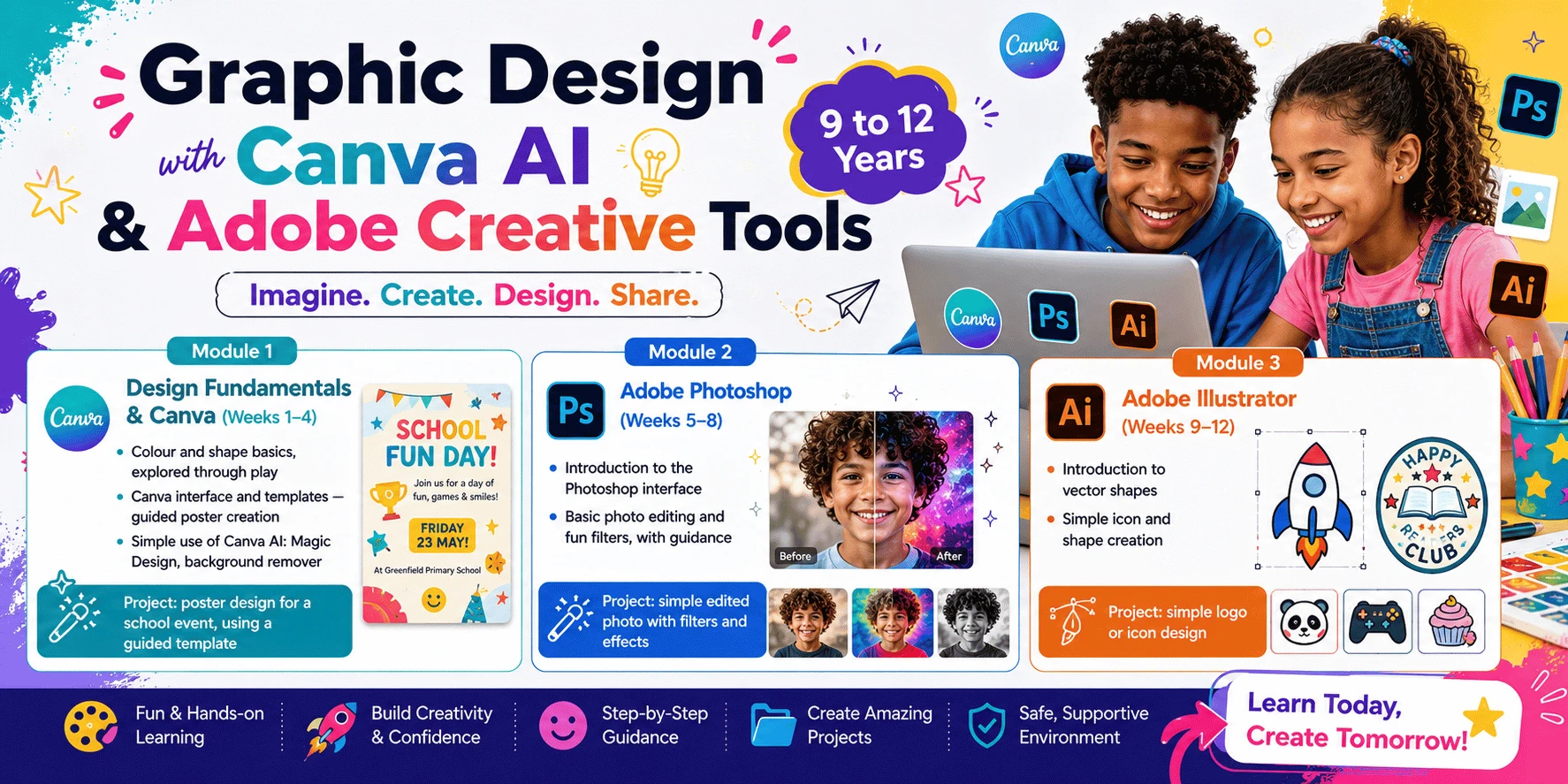
This 12-week course offers a fun, visual-focused introduction to digital design for students aged 9–12. Through project-based learning, students explore design fundamentals, master the Canva interface, and get a creative introduction to professional Adobe tools.
Module 1 — Design Fundamentals & Canva (Weeks 1–4)
• Colour and shape basics, explored through play
• Canva interface and templates — guided poster creation
• Simple use of Canva AI: Magic Design, background remover
• Project: poster design for a school event, using a guided template
Module 2 — Adobe Photoshop (Weeks 5–8)
• Introduction to the Photoshop interface
• Basic photo editing and fun filters, with guidance
• Project: simple edited photo with filters and effects
Module 3 — Adobe Illustrator (Weeks 9–12)
• Introduction to vector shapes
• Simple icon and shape creation
• Project: simple logo or icon design
Final Portfolio — Students Create:
• Logo
• Poster
• Flyer
• Social media campaign
• Business card
• YouTube thumbnail
• School magazine cover